
Make a Smartwatch Battery Budget for a Real Weekend
Measure the watch jobs that draw power on your wrist, then plan for charging, workouts, travel, and overnight use under the same conditions.
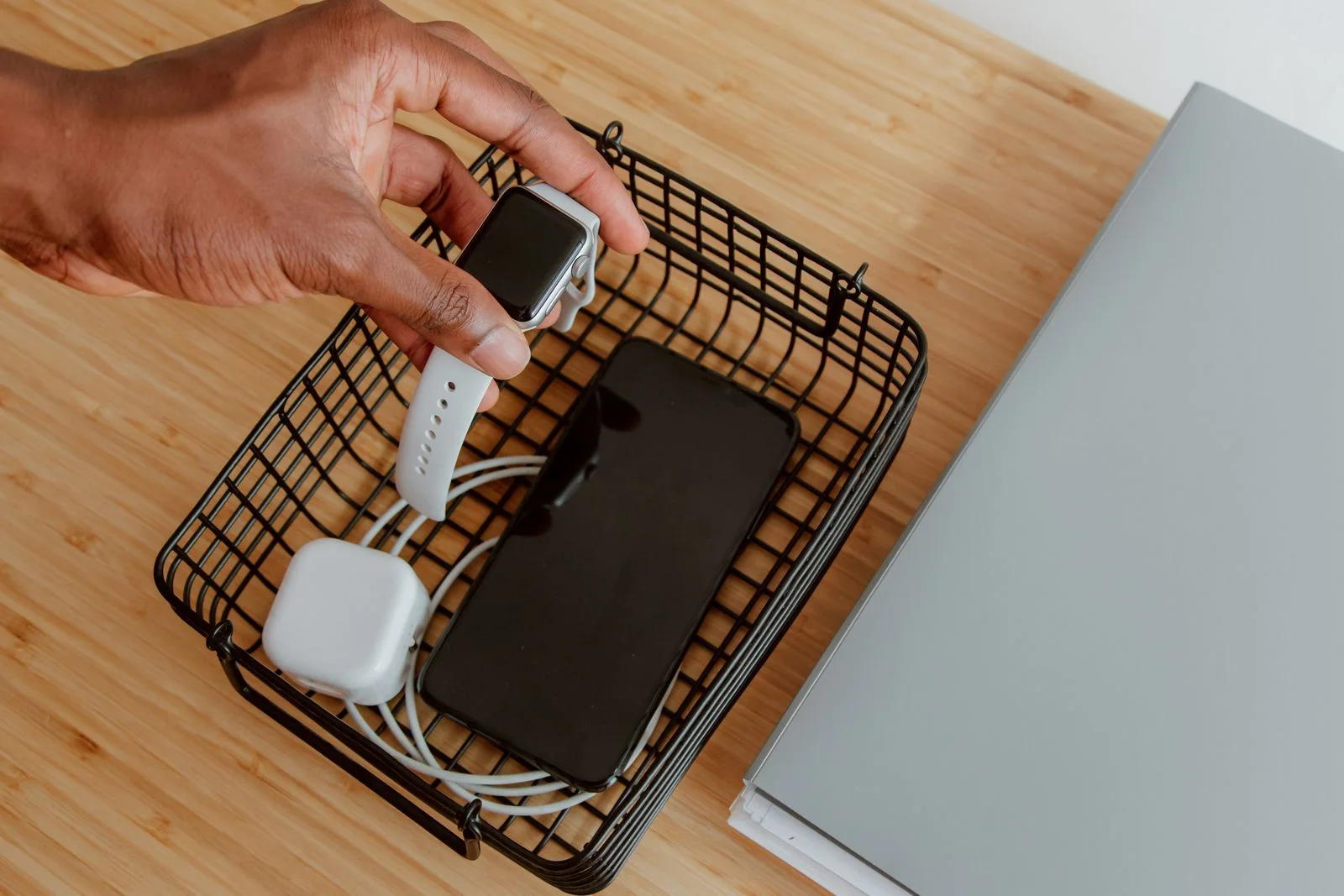
A watch spends most of its time waiting. Then you begin a long workout, use navigation, stream audio, and leave its display active while you check the route. A battery figure measured under a mixture of duties tells you something about the watch, but it cannot tell you how much charge will remain after the exact Saturday you have planned. Start with a rough budget for the things you ask it to do. Use an actual day of observations to decide whether charging is an occasional habit or a regular part of the schedule.
Write down the jobs you would miss first if the battery stopped. You might value the ability to finish logging a workout, see a reminder during the commute, or wear the device overnight. Someone else may need a long stretch of ordinary timekeeping away from a charger. Choose a sequence that represents your own plan. A watch with excellent standby may be a poor fit for several long activities in a row. A device with frequent, convenient charging may cover a shorter total day more comfortably.
Use a quiet day as a reference
Charge the watch using its approved equipment and mark the time you remove it. Keep your standard display and notification settings and live normally for several hours. Note charge again when you stop at lunch or return home. The amount is a reference for background use under ordinary conditions. Some devices report levels in coarse steps or estimate them from past behavior. No single reading is a precise measurement, but repeat observations can show how fast the device usually changes.
Notice which phone connection is in use. A watch beside a paired phone can rely on it for some tasks. A watch with cellular service may do more itself when the phone is elsewhere and use more energy, especially under challenging coverage conditions. Do one reference day in a situation that resembles your work, then record any substantial period away from the phone. A day with the phone on the table gives weak evidence for a weekend when it will stay inside a vehicle or bag.
Track background updates separately. Setting up a new device can trigger downloads, updates, and app synchronization that make the first day look unusually demanding. Give the watch time to settle and record the installed version. Do not hold later comparisons to a number that includes a one-time transfer. Once the device is operating routinely, decide which setting or feature will change next and leave the rest as they were.
Time a workout with the actual features enabled
Use a short route you know and an appropriate workout mode. Start and end with enough charge to complete it comfortably. Record its length and the rough percentage used. Note whether route tracking, music playback, an always-on display, or a connected accessory was active. If you want a usefully different reference, repeat on another day with one change, such as carrying the phone or removing continuous audio. Keep intensity and distance broadly comparable when you can.
Check which of those settings improves the activity itself. An always-on display can provide the glance you need while moving. A screen that wakes when you raise your wrist may be equally good on a relaxed walk and less convenient while wearing gloves. Some location modes may extend runtime with an accuracy or sampling tradeoff. Read the model's descriptions and compare the resulting track where it matters to you. Use a second independent source for important navigation. The point of measuring is understanding which features you can comfortably give up when a day is unusually long.
Be careful about outliers. If the route passes through a difficult signal area or exceptionally cold conditions, its consumption can be higher than a day near home. A full estimate based on short warm-weather observations can give false confidence. Treat the test as one range of conditions and leave a useful reserve for traffic, cold, another track, or a charge reading that changes more quickly near the bottom.
Put the overnight use on the same schedule
If you wear the watch overnight, record its level when you go to bed and when you intend to leave the next morning. Choose the sleep or quiet modes you normally use, where supported. Confirm those modes leave any alarm or critical alert working the way its instructions describe. Adjust only the features you understand. In a house with irregular waking times, a dependable alarm path can matter more than a pleasing battery graph.
Identify the places you can remove the watch without losing a thing you care about. For some people, charging during a shower and breakfast is ideal. Others can leave it on a supported charger while reading in the evening. A small regular top-up can suit the work better than a long charge during the most active part of the day. Time a real short charge with the correct accessory rather than using a promotional figure measured with different power or starting conditions.
Check the approved charger and power path for travel. A charger that uses a familiar USB port might still need a particular connection to achieve its expected rate. Pack the cable you actually tested and see whether you can place the watch securely on it in a hotel or borrowed room. If it is finicky to align in the dark, create a stable place with a visible charge indicator. Small effort repeated every night is a real part of the experience.
Treat battery-saving mode as a specific compromise
Read which services change in the watch's available low-power mode. Some settings can limit display options or background connections and still allow workout tracking on supported models. Other features may differ by model, region, or software. Check your preferred usage rather than turning on the mode during an important day and assuming the same functions remain. A clear saving on a nominal specification means little if it removes the only job you needed.
Test one ordinary use with the mode active, such as glancing at the time, receiving an expected reminder, or opening your route under safe conditions. Note whether returning to full functionality is easy. If you use the watch to record an activity, open the result afterward and see what was actually captured. A setting that preserves a start and finish while omitting information you care about may make sense for certain days only. Keep the decision tied to the task.
Battery-saving settings are also reversible social decisions. If silencing watch notifications helps preserve charge, think about who expects to reach you and where the phone still receives alerts. Set up any essential fallback through approved features. During a low-key weekend walk, few notifications may be welcome. During a trip involving a meeting point and repeated changes of plan, communication may matter more than leaving the screen continuously available.
Build a simple weekend estimate
Suppose your watch falls roughly twelve percentage points over six ordinary hours, and a separate ninety-minute workout uses about eighteen points. Both numbers are imaginary examples. Write the ordinary and workout periods on separate lines and avoid counting their hours twice. Run the same calculation for the next day if you would like to leave the charger at home. Treat the sum as an estimate rather than a claim that consumption is linear or the reading entirely accurate.
Now make a second version for a day when the phone stays nearby, or when you finish a short top-up before leaving. Where the results differ enough to change the plan, use the version you can actually reproduce. A watch can meet its goal if it finishes Saturday's events and gets predictable charging at Sunday breakfast. A schedule that leaves it near empty before the journey home might deserve a different setting, a different charging plan, or a simpler watch for part of the route.
Save the sample with the test date. A number that felt reassuring in summer may change once the battery is older or the wearer adds a new navigation habit.
Compare with a season of use in mind
Check the service route and expected battery care for the model. Consider whether a battery service can be arranged locally and how long you would need to be without the watch. Ask whether the charger you intend to keep for several years is compatible across the versions you use. Save purchase and service information. Battery capacity can change with age and operating conditions, even if your use of the watch stays constant.
A literal one-page budget is enough. Write an approximate background cost, a rough workout cost under the tested settings, and a regular place to charge. Record the spare margin you want before leaving home for a long day. If the numbers are close, add a short charge or disable a feature you have already tried without. Reserve extra room for activities you could not simulate and update the note when the behavior changes.
The right watch is the one whose ordinary routine you can describe. It can accompany you overnight, finish the workout you care about, and recharge at a time when leaving it off your wrist makes sense. A larger advertised total may still be attractive. A tested battery budget makes clear whether that number belongs to a product you can use comfortably on the weekend you are actually going to have.