Buy the E-Reader That Can Open Your Books
Bring a library loan, an EPUB, a PDF, and a favorite chapter to an e-reader trial. The right device makes the books you already read easy to open and keep organized.
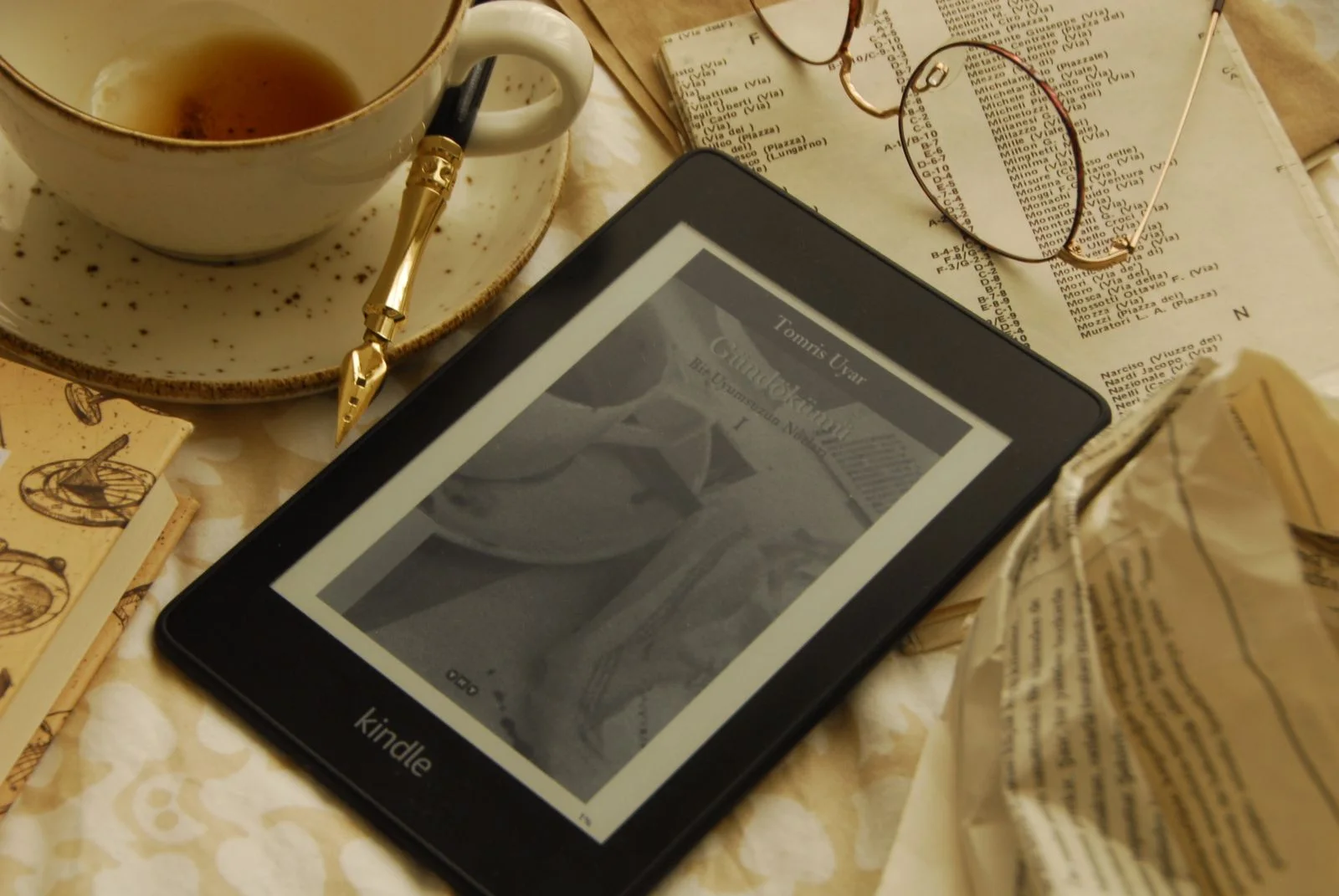
A reader can be pleasant to hold while making books unnecessarily difficult to get. The shape and finish explain the attraction in a shop. A checkout screen from your library, a folder of personal files, and a list of old purchases explain what using the device will be like away from that shop. Before you compare displays, make sure you can get the books you care about onto each candidate.
A useful test basket holds four items. Choose a borrowed novel, an unprotected EPUB you can legally transfer, a complex PDF, and a book sold through an account you already use. They represent four paths into the device. It is normal for a reader to excel with some paths and require extra steps for others. Which steps you will tolerate depends on which books are regular company. A few minutes spent opening actual files can tell you more about that question than several hours of comparing case colors.
Start with a real library card
Find a book you can currently borrow and check the route from your library's service to the specific reader. Library systems vary by place, and the same catalog can offer a title through different types of access. Record the device model, your country, the lending platform, and whether you need a second device for transfer. Kobo's library borrowing instructions describe both an integrated path and workflows using Adobe Digital Editions for eligible loans. The instructions referring to your actual library are the ones to follow.
Try to place a hold as well as opening an immediately available book. A device could give you a pleasant reading experience after a loan starts and still leave most discovery work in a phone app. Follow the book from the library's hold notification to its appearance in the device's catalog. Check whether the account you used to place the hold is the account the reader expects. If a particular lending route is cumbersome, saving an occasional transfer for a laptop is easier than repeating it several times a week.
Check what happens when a loan expires. You might want to keep a record of the quotation you copied by hand, a reading list entry, or a page reference for a future loan. Make a harmless test annotation and see how the device handles it after the test. A personal index with title, edition, and a short note can be more durable than any annotation connected only to an expired file. Keep notes within the access and copying rules of the lending service.
Transfer an ordinary EPUB yourself
Use a book that belongs to you and is free of digital restrictions, such as a public-domain title available in your region. Follow the device's documented transfer method and disconnect in the recommended way when it finishes. Check the cover, chapter list, and progress display. A book that appears in a miscellaneous documents folder with no useful title may technically open while creating a different experience from using the built-in store.
Open the same title on a second reader or an app you trust. Choose a difficult chapter with emphasized words, verse, or letters outside basic Latin. A malformed file can travel with you from device to device. Side-by-side inspection helps you separate a poor conversion from limitations in a particular reader. A mismatch in location numbers is normal when an EPUB reflows for each screen. A missing paragraph, section heading, or character requires more attention.
Try a small series of books whose titles sort in a surprising order. Device libraries can organize by title, author, series, or file additions, and support can differ for discovered metadata. A personal library can get difficult to browse after several years. If you rely on a folder system, see whether the device reads that structure or scans everything into the same catalog. A manageable fifty-book library tells you how a larger one might feel later.
Give a complex PDF ten quiet minutes
A PDF often preserves a printed page. On a compact reader a two-column essay, a musical score, or a scanned manual may require more navigation than a novel. Place a small document with diagrams on the device and read a few consecutive pages. Watch how easy it is to move from the bottom of a column to the top of the next, enlarge a caption, and go back to the original view.
Try a page that contains scanned images as well as a page with selectable text. Search for a word that clearly appears and note the difference. Without a usable text layer, even a perfectly readable scan may offer little help from search, dictionary tools, or text selection. A wanted feature can depend on the document before the reader has a chance to make it useful. Use a file you have permission to process if you plan to run your own text recognition.
For frequent PDF reading, use your normal seating position and try the width and weight at the same time. A larger screen may preserve full-page diagrams and be uncomfortable to hold for forty minutes. Placing it on a stand can make sense for a reference book. If you read a short paper on a bus, the device and the constant zooming may be more awkward than an existing tablet. A calm trial in the orientation you actually use gives a practical answer.
Find out what comes with a purchase
Sign into the store the reader uses only when you are content with its account requirements. Identify how you will download the book a second time and what it takes to move your personal files away from the device. Sellers may protect some files with digital rights management or limit availability to particular applications. Kobo's export guidance illustrates why the process may differ between an unprotected EPUB and a DRM-protected purchase. Check the support terms for the store and the individual title you choose.
Test access away from the network while it is still convenient to fix. Download a book fully, turn off wireless connectivity for the trial, and reopen the book. Move through long chapters and reopen it after sleep. Reconnect when finished. A cover on the library shelf can represent an available download rather than a complete file, and your future self may learn that difference without a connection on a train.
If your reading spans phone and reader, compare progress and annotation behavior on both. A downloaded purchase may synchronize among the vendor's apps while a personal EPUB remains strictly local. A simple manual note with the chapter heading can be enough. Someone who annotates every article or regularly moves between six devices may need a more deliberate system. Choose one supported route and verify it before transferring a large collection.
Try the small things you touch repeatedly
Adjust the typeface, text size, line spacing, and margins until a long passage feels ordinary. Bring a chapter you already know so that a distracting layout is easier to identify. A clear font can make an older, cheaper reader more pleasant than a newer device carrying a feature you never use. Set the device at the right angle for the lamp where you usually read and check whether the panel and case reflect something annoying.
Try a page turn, a dictionary lookup, a return to the contents, and an accidental attempt to open a menu with the same hand. Larger hardware can reduce page turns while making those interactions harder to reach. Physical page controls matter if you read with one hand or often wear gloves. A shallow bezel may make the reader smaller and give your thumb less room to rest off the active panel. Feel that difference with the case installed.
Wait long enough between some interactions to notice how the device returns from sleep. A reader that lands directly on a page you were absorbed in has quietly saved a tiny decision. A familiar chapter can also expose how often the display refresh distracts you, especially in settings with difficult lighting. Read rather than flip quickly to see whether the effect stays noticeable in use.
Check whether any extra cover changes the light switch, sleep response, or reach of a button. A case that consistently wakes the device while it is inside a bag can create trouble during a trip. A return-window trial should include the complete combination you plan to carry.
Pack for a reading week
Keep a few different kinds of already downloaded material available, including an easy book for short waits and a longer book for the times you can settle. Write the supported transfer method in a note you can find again. Store personal source files in a normal backed-up folder, alongside the metadata or annotations you are entitled to keep. That small preparation protects the shape of your library when a device is replaced.
Choose using the route you will take most often. A reader with straightforward library access and an excellent page layout may be the best possible commuting device even if you prefer another screen for illustrated articles. A model that handles your own files efficiently may make more sense for the collection you have built over years. The appliance disappears into the habit when opening the next book is faster than remembering the steps you took to buy the reader.