Set Up a Digital Photo Frame Someone Else Can Actually Enjoy
Choose an image collection, contributor access, readable placement, and an offline fallback before handing a digital family frame to its recipient.
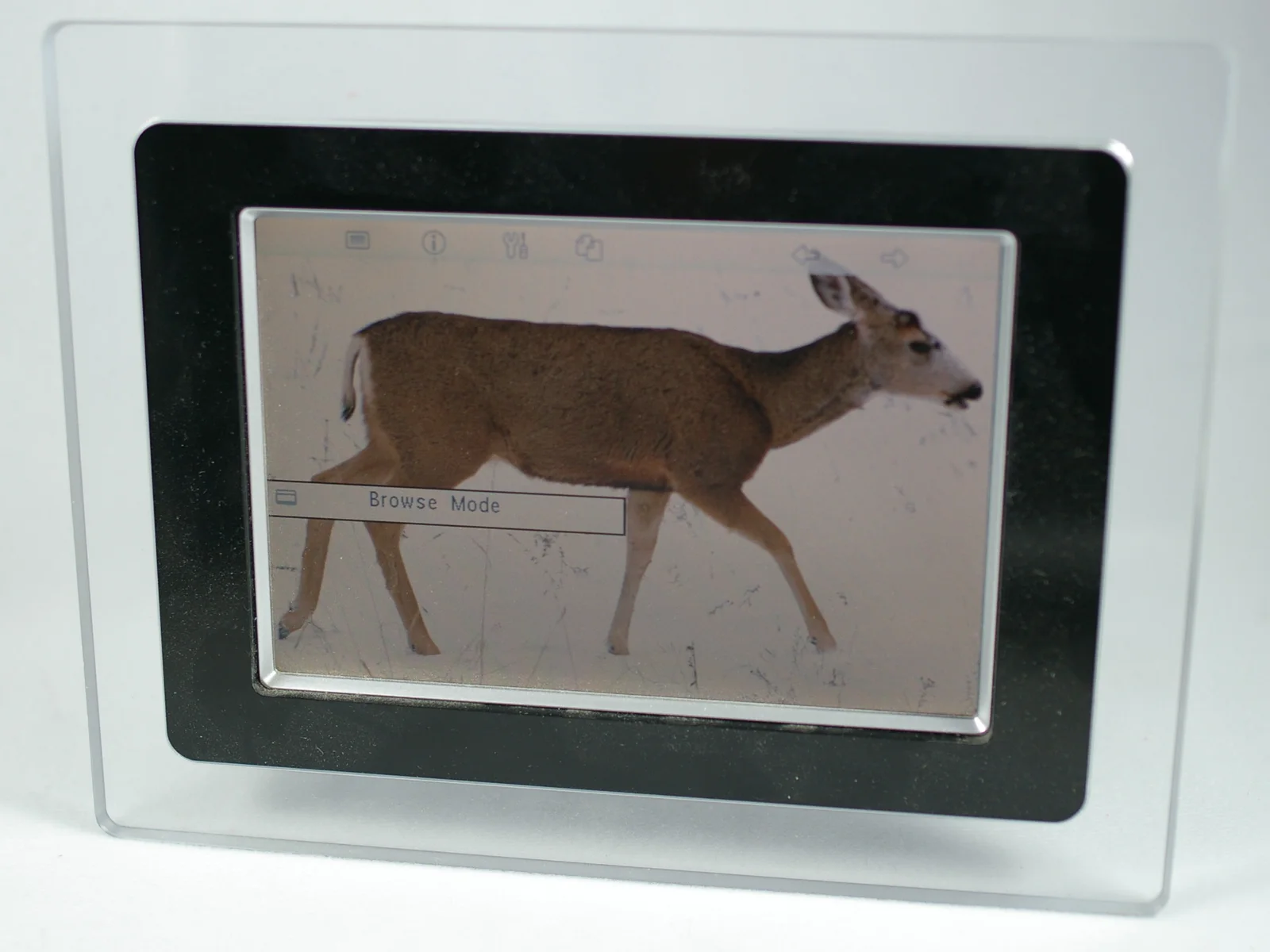
The nicest digital frame is the one that starts a conversation before anybody asks how it works. A photograph appears while someone is walking past, and the person in the room recognizes the afternoon, the dog, or the camera angle. It is easy to lose that effect when the frame becomes a place for every forwarded image. Make a small album whose pictures deserve repeated viewing. Work backward from the people who will see it and the place where it will stand.
A gift that uses connectivity, sharing, and accounts also has an owner. Decide who will be able to control it, which relatives can send photographs, and how an unwanted photograph will be removed. Ask the recipient what they intend to display. The novelty of publishing from another city should improve their room while preserving their control over what arrives and who sees it.
Build an album that belongs in the room
Select a small first collection from photographs you have permission to share. Include some that stand on their own and a few that prompt a familiar story. A frame need not reproduce an entire trip in order. Half a dozen nearly identical photographs may be useful in your archive and repetitive in a room. Choose the one in which the scene is legible at the distance somebody will see it.
Make a copy for the frame when a picture needs cropping or other changes. Keep the original in its existing backed-up location. Check the aspect ratio of the actual screen and learn the frame's options for fitting and filling. A portrait can acquire borders on a wide display or lose the top of a head when a filling mode crops it. The preferred option can depend on the person and the subject. Preview the same small selection before importing a large album.
Review images for details that are comfortable to display continuously. A street address, name badge, school letter, or somebody's personal message may be tiny in a camera roll and obvious on a bright frame. Ask before including pictures of a person who has a reason to keep them private. A birthday album played once for invited people can have a different audience from a frame left on a hallway cabinet every day.
Give the recipient the account they can manage
Read the device's setup requirements and find out which person can ultimately remove photos, stop contributions, or transfer the account. If you create the connection as a gift, set it up under the agreed ownership using the maker's supported steps. A technically capable relative can help at first and leave the recipient with practical control. The long-term owner should be able to turn the frame off, contact support, and change a display preference without waiting for someone else to be free.
Explain what the service needs from contributors. Some products accept uploads within an app, others use albums or invitations, and some can use removable storage. A contributor may want to send a few pictures without installing a separate application or creating an account. Know how permissions work and who will receive upload notifications. Use unique invitations or authorized transfer methods where the platform provides them, rather than sharing the administrator's credentials with everyone who has a photo.
Test a limited invitation with a consenting person. Have them contribute a benign image, confirm where it lands, and ask what they can see of the frame's contents. Then remove the test and check what the platform says about deleted photos and access. A person able to contribute images might also be able to view more information than expected. The sharing choice deserves the same care as deciding whose photographs appear.
Verify what happens without the internet
Work through the product's documented offline behavior. Download or load the initial album where supported and confirm it is present. Then interrupt the relevant network connection briefly at an appropriate time, keeping the device powered and disruption limited. See whether the album continues, whether a newly sent photograph waits until reconnection, and whether the local controls remain available. Restore the network when the result is clear.
Separate what the display stores from what a vendor keeps in an account. A frame can show an image in its rotation even though deletion or a re-download depends on a server. Another can use files from removable storage without any network functions. Understand which option suits the actual owner, who may already be comfortable moving an approved card or may prefer to wait for a relative to send an occasional update. The appropriate balance makes the equipment easier to live with.
If you rely on a service, keep the important originals in a backed-up family collection you control. Save the current setup and supported migration instructions where the owner can find them. Service terms and app support can change. An old frame breaking should create the need to replace a device, while preserving the collection of images the person cared about. If a removable drive is the working source, label an independent backup and check the device's approved formats.
Put the frame where its pictures are readable
Compare a likely table, sideboard, and shelf under normal light. Sit in the place where the recipient reads or talks with people and view a couple of pictures at the selected angle. Bright reflections can remove faces from an image. A change of position or slight turn can make the same panel much easier to see. Give the frame a stable base and an approved power route free of walking paths and common snags.
Try the screen with ordinary lamps at night. A bright white background can become the first thing a person sees in an otherwise dark room. Use scheduled sleep or brightness settings where supported. Set the local clock and verify what the frame does after an outage if the instructions allow a safe test. A gentle morning display that turns itself off at an appropriate hour is less likely to be unplugged out of frustration.
Check the transition interval. A rapid slideshow can be difficult to follow if someone wants to see a face or read a caption. A slow series can become almost indistinguishable from a single photograph. Try it while the room is actually in use and see how long someone naturally looks. If the frame supports choosing an individual photograph or pausing the rotation, make that control available to the person who often wants to share a story.
Make a season worth repeating
Create a small rule for adding new photographs. A household might want a few additions before family visits and a different collection in winter. Leave the older photographs safely in the archive and remove them from the rotating selection when their turn ends through the supported controls. A rotation small enough to recognize can be easier to enjoy than a growing pool of unreviewed images. Ask the recipient whether they prefer a frequent change or familiar pictures.
For a relative who struggles to read system prompts, draft one short page of instructions using words that appear on the display. Include power, how to change brightness, how to stop the rotation, and who can help. Practice those controls with the actual model. If the owner prefers no remote contributions, leave the frame in a local mode the product supports or choose hardware intended for that use. Convenience depends on the person, not the number of supported connections.
Remember to check contributor access when circumstances change. Someone who helped with a trip album may need no continuing access. The owner should know how to end it without erasing every image. If a shared album has new contributors, remind them of its visible audience before the first upload. Courtesy in the room depends in part on keeping the route into it clear.
A printed photograph still has a useful job. Put a favorite image in a regular frame if it belongs on view every day, or make a small album for someone who likes to turn pages during a visit. Keep the rotating frame for the images that benefit from appearing unexpectedly. This also gives the recipient a way to enjoy the pictures if the digital frame has to be serviced or if a connection changes. Ask which collection they would like to manage themselves and put the other one in a place they can access easily.
An ordinary wall calendar can provide a reminder to swap the album before a birthday or a visit, without adding another automated notification.
Finish with the first day of use
Watch the frame go through an ordinary day, including a time when nobody is specially looking at it. See whether it is still showing the agreed album, whether the screen is appropriate after dark, and whether someone can pause on a photograph without asking for help. Make one adjustment at a time if there's friction. Put the backup and support information back where the owner knows to look.
A good frame spends most of its life as a normal object near a person who likes the pictures. The useful work happened before that: choosing an album, placing the screen, and deciding how other people contribute. The chance to catch a photograph while crossing a room is worth protecting from a confusing account or a constant stream of material the person there never wanted to display.