A Camera Card Routine That Survives a Busy Weekend
Give each card a clear state, check copied files and leave the shoot with an archive you can open on a second device.
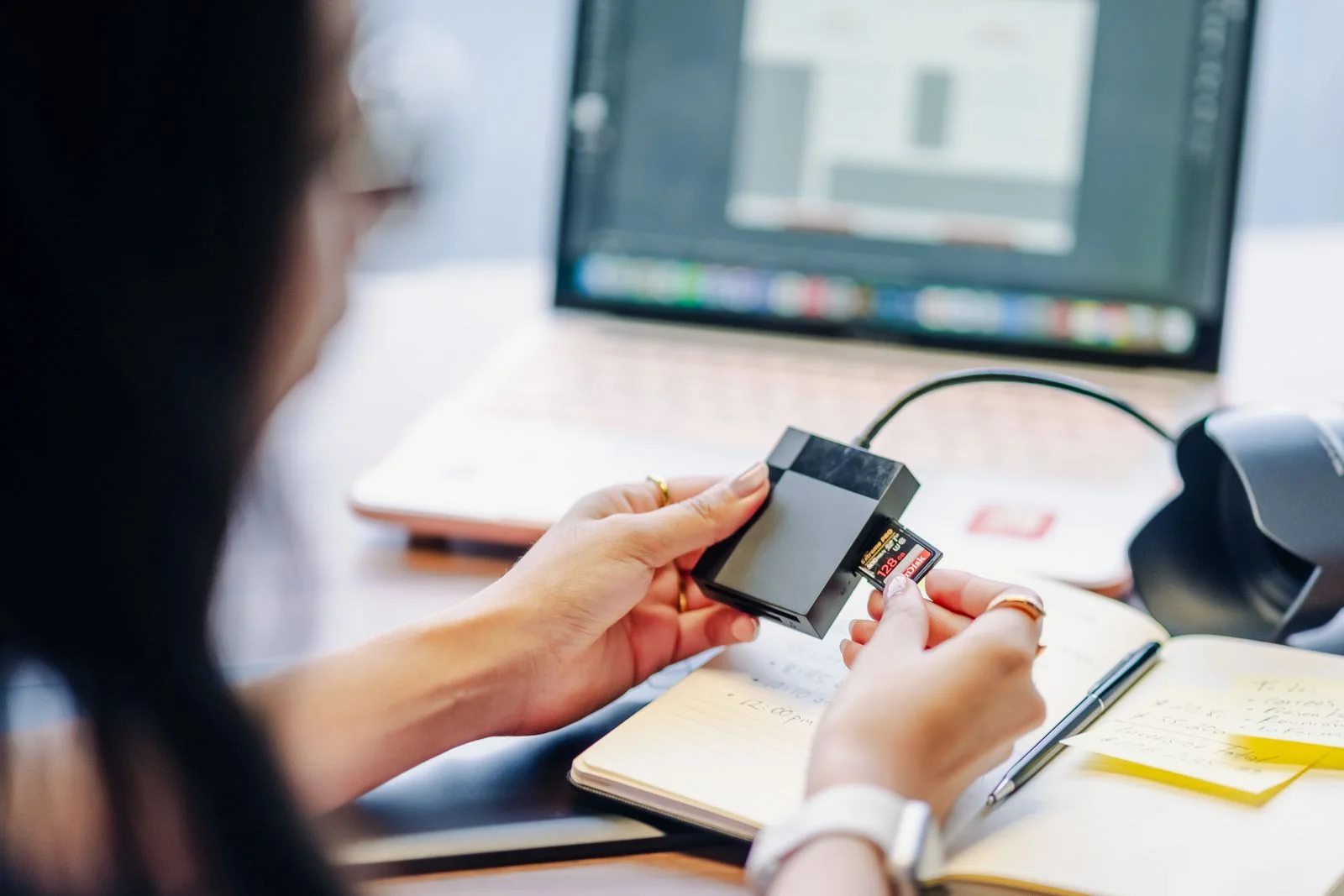
The risks of an event shoot often emerge at the end of the night. One card is still in a camera bag, the card reader has been unplugged to charge a phone, and somebody needs an image to share immediately. The copying application has a progress bar in three separate windows. This is when a perfectly reasonable folder name turns into a puzzle. A workable ingest routine needs a visible way to know where each card is in the process, with enough detail to recover when the laptop battery runs out or an image must be delivered early.
Plan the routine around the point at which you are allowed to reuse a card. The camera can usually format a card in seconds. Restoring deleted clips from a busy device is uncertain and costs time. Keeping the card unformatted until a copy is checked and a second copy exists gives you a straightforward recovery route. The rules should work with the cases and labels you already carry. You will follow them when your attention is divided only if they can be expressed in a few physical actions.
Mark the state on the card case
Reserve a position or a compartment for cards that can still be used. A card from a camera goes into a different position. You can flip it in its case or move it to a named pocket. Mark cards individually if you work with more than one camera or regularly rotate the same capacities. Avoid layering a label across the metal contacts or any part of the card that needs to move. If you have tiny cards in adapters, identify the card as well as its container so a swapping mistake is visible.
During an extended shoot, write the card identifier and camera name on a small log. Add a rough time range when you eject it. This is especially useful if two people photograph the same event and both cameras generate filenames from the same default sequence. Avoid renaming files on the card while it is in active use. Let the capture structure remain coherent and assign a unique source folder once you begin copying.
Keep an extra blank card for the unexpected portion of the event. It should be formatted as recommended by the camera manufacturer and tested with the recording mode you need. If a card reports trouble, keep it out of the blank group and protect it from further writes. Switching to the known spare preserves the option to examine the suspect card later. The middle of a session is a poor moment to troubleshoot equipment with the only copy of a take on it.
Copy the folder structure before sorting images
Create a source folder named for the event, date, camera and card identifier. Copy the full card contents into it when you expect a video application to read camera-specific structures. Such structures can carry metadata, audio or pieces of a long recording. Some cameras store still images in a familiar directory while video recordings use a different hierarchy. Ingesting only the files with the extension you recognize can leave out useful surrounding material.
Inspect the two folders with a single controlled comparison. Count files, compare sizes and open a selection of images. For long clips, check playback near the beginning, a few points in the middle and the end. A wrong format or broken transfer can show up later than the opening frame. Use a checksum-aware copying tool if you regularly rely on irreplaceable recordings. A checksum comparison for files tells you that the bytes match across the locations being checked. It cannot repair damage that was already in the source.
Some editing applications offer import with a destination, automatic naming and a second copy option. Read the destination paths before each important batch. A removable drive may mount at a different name after it is disconnected, and an application can revert to a previous folder if a target is unavailable. It can also make a reference catalog that points to the card. Disconnect the source and open an imported image from its intended destination to verify the file lives where you think it does.
Make the second copy independently useful
Choose a second destination with a separate failure boundary. Two folders on a laptop's internal drive give you two file paths with one physical device underneath. A portable drive and a laptop can be a more practical pair during travel, provided there is room on both and the drive can be kept separately. Later, add a versioned or off-site backup appropriate to the job. A cloud sync can be convenient once the connection is reliable. Check that upload is complete and understand which deletions can propagate.
Keep both destinations self-describing. If the primary drive contains a project folder and the secondary drive contains only a list of copied filenames, the second drive may be difficult to use alone. Keep event identifiers and the card log alongside the files. Preserve enough raw material to reconstruct an edit if the catalog is lost. Exported pictures, edit decisions and card originals can be kept in separate parts of the job directory so a recovery exercise can identify each.
Do not wait until a fault to discover the limits of a second device. Open a sample from the backup drive on another computer while the primary device is disconnected, if possible. Use real source files including any large video clip or uncommon camera format. A file can be intact and still require a supported player, codec or catalog. Confirm the recovery workflow for a second person if the job belongs to a team.
Deliver a preview without disturbing the archive
A request to send a quick image can interrupt ingest. Copy the requested candidate into a working folder and make a small export from that copy. Keep the outgoing filename distinctive and track which source image it came from. If a chat application compresses the export, you still retain the reviewed version that left your editing program. A shared event album should draw from outputs, leaving the originals outside its permissions by default.
Use a temporary note for frames promised to someone. It can say that the image of the main speaker comes from camera B on the second card, with a rough timestamp. Logging the request is more reliable than leaving a partially opened editor tab. If a card finishes copying while a colleague is making an export, ask them to pause before moving the destination folder. Two people changing an ingest directory at once can invalidate the path checks that were just completed.
Some people shoot JPEG and raw together to meet immediate delivery and future editing needs. Keep paired files related by source name or a known identifier. A JPEG may show in the archive view before the raw file is indexed. Verify both formats before approving a card for reuse. A camera set to write a backup to a second slot may also choose different formats or split stills and video, according to its menu. Test that behavior at home with a short capture before treating a two-slot record as two full copies.
Recover after a stopped transfer
If power or a cable interrupts a copy, treat the destination folder as incomplete until you run the same checks from the beginning. Give the partial folder a temporary name. Start a clean transfer if you cannot tell which files were complete. A file browser can show whole filenames while an application is still filling the bytes underneath them. A second attempt that skips matching names may leave those partial files where they are.
Inspect the reader and its cable before resuming. A problem that affects different cards with one reader suggests a different cause from a problem that follows one specific card. Use the known equipment you brought for the job and give each attempt its own destination if you are concerned about a card. Mark the failure on the log so the next person understands why two folders have similar names. Keep the original card safe while deciding whether specialist help is warranted.
If a long clip has been divided into parts, test its join inside a compatible importer while the source structure remains intact. Opening the first part alone only answers whether playback can start.
End the job with a release decision
Return to the card log after the last copy. For each card, verify the source folder and the presence of the backup. Write down any card or clip that requires follow-up and segregate that media physically. Decide whether the checked cards stay intact until delivery or can return to the blank pool. If the next job starts early and your budget allows it, using other cards buys more time to catch a problem while the original recording still exists.
Before leaving the venue, count the gear, drives and cards against the log. Distribute the backups so a single bag handles only one copy where practical. Once at a stable desk, open the job from the location that will be backed up long term and keep a smallest useful record of who copied what and when. Archive work is rarely visible in the pictures. Its effect is visible when somebody asks for the frame immediately before the one you delivered, and you can find it while they are still on the call.